What tech level changes for your gear
Tech level matters because it affects the equipment factions can field and offer, shaping both your potential rewards and the enemies carrying them. Supporting a faction can help expand its equipment selection, while technological losses can remove access to previously available items. Individual weapons and armor also have a tech level that influences the resource cost of engineering upgrades.
These mechanics connect to equipment progression in different ways:
| Parameter | What it affects | Why it matters for items |
|---|---|---|
| Faction Technology | Available equipment and the number of simultaneous missions a faction can issue | Determines which equipment a faction can use and sell |
| Faction Power | Enemy numbers, dropped-item quality, rewards, and missions resolved without player participation | Influences mission opposition and the value of its loot and rewards |
| Item tech level | Resource costs for weapon and armor blueprint improvements | Helps determine the investment required for an engineering project |
Technology and Power both affect what you encounter, so checking only one gives an incomplete picture. A technologically advanced faction can deploy dangerous equipment even on a contract that looks manageable at first glance. Conversely, knowing a faction's equipment unlocks does not tell you exactly how many enemies a mission will contain.
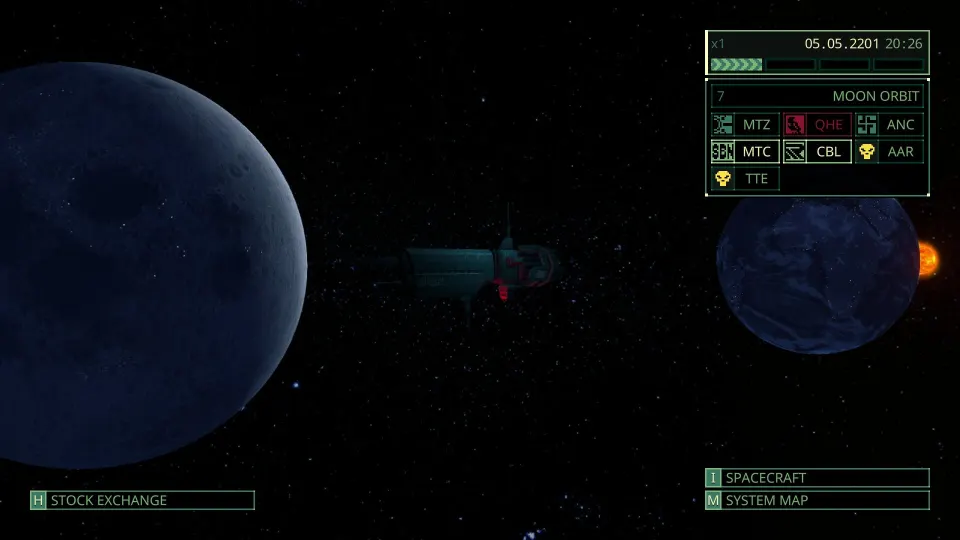
Check the first Stock Exchange tab to inspect factions and their characteristics. The Factions page describes Technology as governing equipment access, while Power also influences drops and rewards. For an equipment-focused campaign, track both the faction supplying your gear and the faction you expect to fight.
How faction technology progresses
Faction Technology changes over time through faction growth, station ownership, and completed missions. Your contract choices influence that progression by helping factions acquire or retain assets, or by damaging their competitors. Missions that resolve without your participation also affect the balance of power.
An older community faction progression guide records the following numerical effects. These are historical balance values rather than guaranteed figures for every game version.
| Event or contract | Effect recorded in the community guide |
|---|---|
| Gaining or losing an asset | Technology increases or decreases by 0.5 |
| Conquest | Transfers an asset from the defending faction to the attacker |
| Defense | Adds 100 Power to the defending faction |
| Espionage | Adds 0.1 Technology to the beneficiary and removes 1.0 from the target |
| Sabotage | Removes 0.5 Technology from the target |
| Elimination | Removes 200 Power from the target |
The useful distinction is between actions that directly affect Technology and actions that change the conditions supporting future growth. Taking a station changes ownership; reducing Power affects a faction's position in conflicts. Those outcomes can matter when you are trying to preserve access to a particular supplier.
For equipment planning:
- Identify the faction whose equipment you want before choosing contracts.
- Help that faction retain stations when its position is weakening.
- Consider the supplier's Technology before accepting missions against it.
- Recheck its equipment selection after significant territorial or technological losses.
Supporting a supplier also helps it equip its own forces. That is worth considering if you expect to fight the same faction later.
Subscribing to a faction helps you follow its notifications. The community guide describes this as highlighting messages, with no direct effect on faction growth. Use it to monitor a supplier; it does not accelerate unlocks.
Equipment unlocks, rewards, and chips
Faction tech trees connect technological progression to specific equipment. Unlock thresholds are especially useful when deciding whom to support, but older lists need version context. The following RealWare examples come from the historical community progression guide and should be treated as reference points when comparing your game's available items.
| RealWare Technology | Historically listed equipment unlocks |
|---|---|
| 2.0 | Buffalo backpack, with a 6-by-4 inventory |
| 3.0 | Dragon flame turret and Bishop sniper rifle |
| 4.0 | Legend armor pieces, plus item, mind, and class chips |
| 6.0 | The Beast machine gun |
| 8.0 | Carnage Pattern armor pieces |
| 10.0 | Retribution assault rifle |
An unlock expands the equipment available through that faction. It should not be read as a promise that your next contract will award a particular weapon or armor piece. Mission reward value and the faction's available selection still matter when pursuing specific items.
Technology losses can also reverse access. The community guide gives a concrete example: RealWare falling from 2.2 to 1.7 loses the Buffalo backpack from its trade and mission reward options. That illustrates why a previously available item may disappear after a faction suffers setbacks.
For chips, the contract-system video guide recommends targeting Tech 1 opportunities. It describes this stage as particularly convenient for pursuing specific chips and says sufficiently valuable successful contracts provide a chip. Compare faction tech lists before choosing an employer, because the chip selection matters as much as the reward amount.
Contract rewards also interact with faction credit. Payment is delivered through items, with unpaid value becoming credit usable with that faction. A small reward can be covered entirely by items, leaving no credit. Credit can purchase station products and items from the faction's technology list.
Be careful when turning against a supplier where you have accumulated credit. The contract guide states that a trade break caused by reputation falling below zero forfeits that credit. Plan purchases before making a major change in allegiance.
Item tech level and blueprint upgrades
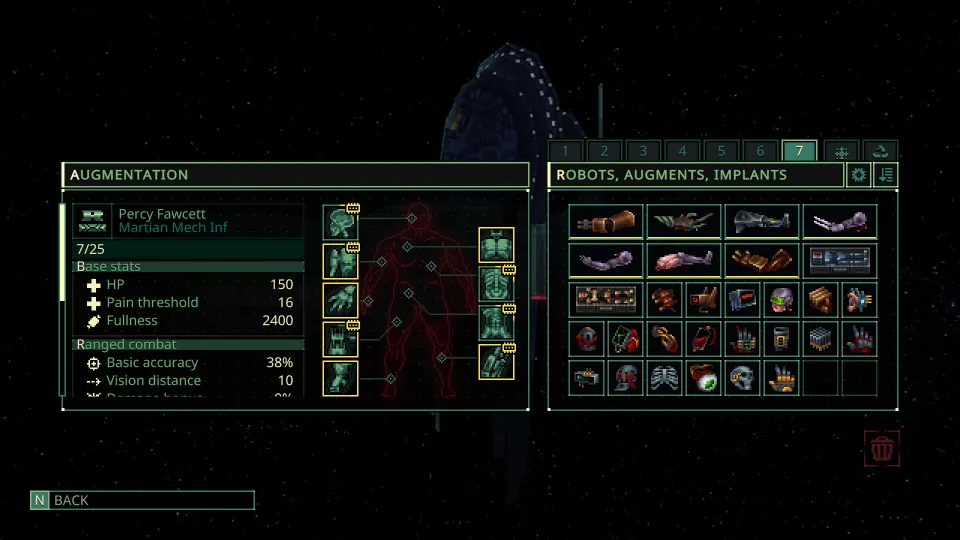
Engineering provides another route to better equipment: spending resources to improve weapon or armor blueprints. The cost depends on the item's tech level, and the required material types correspond to the equipment being modified. Repeated improvements become more expensive, so a project needs a continuing supply of suitable resources.
The Engineering Technology Tree describes upgrades to most equipment properties. Its research selection is documented as noncancelable, making the initial blueprint choice important. Select equipment you expect to keep using before committing to a project.
For armor, the workshop improvements include:
| Engineering unlock | Listed workshop effect |
|---|---|
| Arsenal | Enables armor parameter modification through item chips; provides four projects |
| Test Site | Adds four projects |
| Armor Classification | Adds eight projects |
| Anthropomorphic Model | Reduces project time by four hours |
| Spare Parts | Reduces project time by five hours |
| Element Printing | Reduces project time by eight hours |
| Hard Ribs | Reduces project cost by one |
These improvements address different constraints. Additional projects expand capacity, time reductions shorten research, and Hard Ribs lowers the listed project cost. Choose based on what is limiting your workshop rather than assuming every improvement solves the same problem.
Unlock resources also deserve attention. Arsenal lists an Armor Case and a Prototype Blueprint among its requirements. Test Site lists a Ledger and Military Parts. Hard Ribs lists an Armor Case and Industrial Spare Parts. These are workshop unlock materials, separate from the resources consumed when improving an equipment blueprint.
A practical preparation sequence is:
- Choose a weapon or armor blueprint that fits your regular loadouts.
- Check the project's material requirements before committing.
- Collect resources for subsequent improvements, since their costs increase.
- Add workshop capacity, speed, or cost reductions according to your needs.
Facility selection can help with resource collection. Different station types have different containers and fabricators. The commodities market also shows where goods are produced and who owns those stations. Use that information when searching for workshop materials, rather than selecting every contract solely for its displayed reward.
FAQ
What does quasimorph tech level affect?
Faction Technology controls equipment availability and how many missions a faction can issue simultaneously. Item tech level influences the resource cost of engineering improvements. For players pursuing gear, the first affects access to equipment, while the second matters when investing in a selected blueprint.
What is the maximum faction tech level?
The older community faction guide lists a maximum of 10.0 Technology. Treat that as a version-specific reference. Its equipment thresholds and mission-effect numbers belong to the same historical progression model, so compare them with the faction information displayed in your game.
Why did an item disappear from a faction's rewards?
A technological loss can push a faction below an equipment unlock threshold. The historical RealWare example is the Buffalo backpack disappearing when Technology falls below 2.0. Check whether the faction lost Technology before assuming the missing item is simply an unlucky reward roll.
Does a one-skull mission mean enemy equipment is weak?
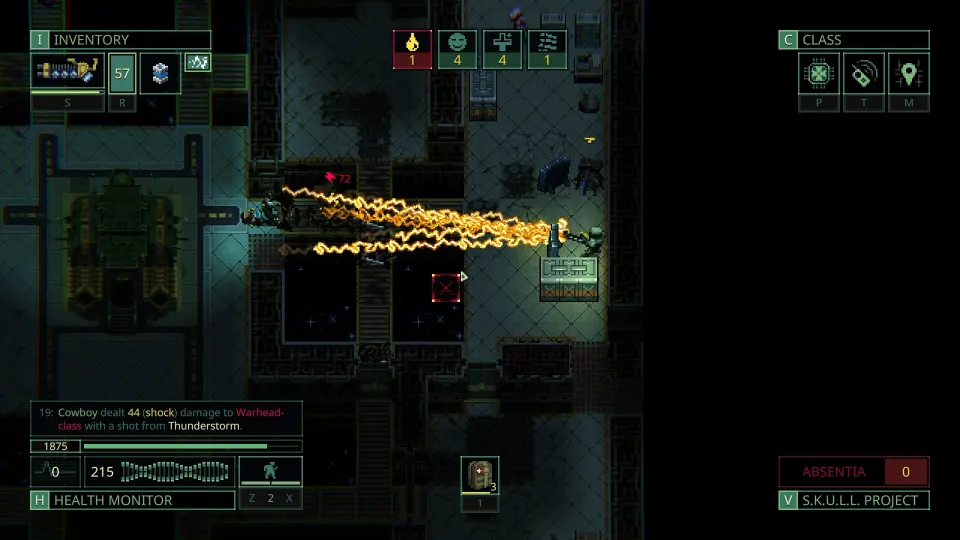
No. The contract guide explains that skulls relate to power concentration, while enemy faction and Technology also influence the danger. Advanced opponents can bring elite units, unfamiliar weapons, and different damage types. Judge your armor and supplies against the enemy's equipment as well as the mission rating.
Should I prioritize faction unlocks or blueprint upgrades?
Choose according to the item problem you are trying to solve. Supporting a faction matters when you need access to its equipment selection. Engineering matters when you already have a blueprint you want to improve. Before committing resources, compare the available gear, the project's material cost, and how often you expect to use the result.