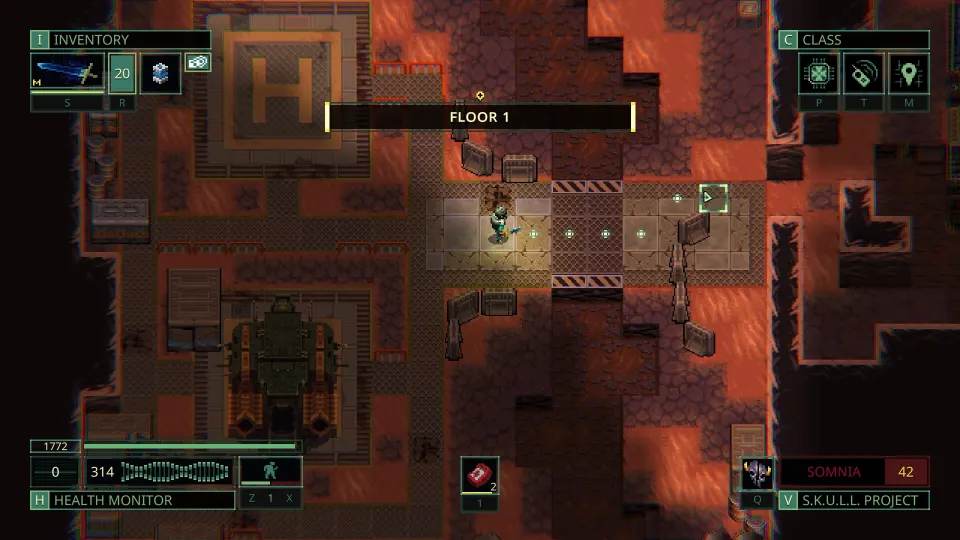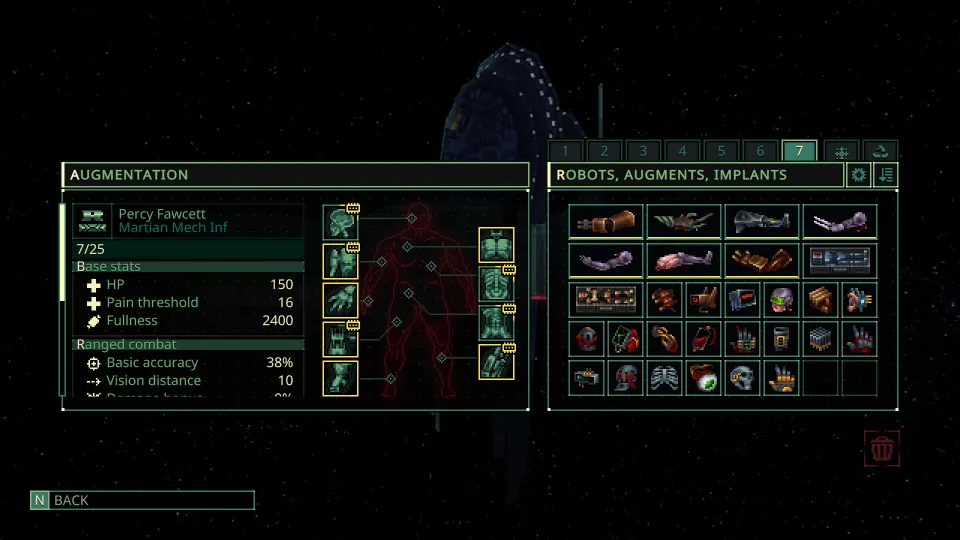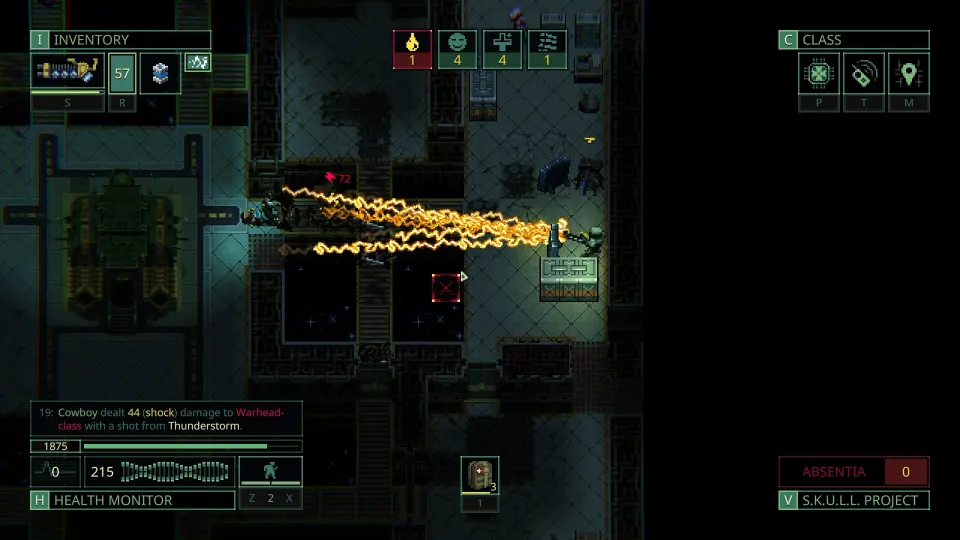
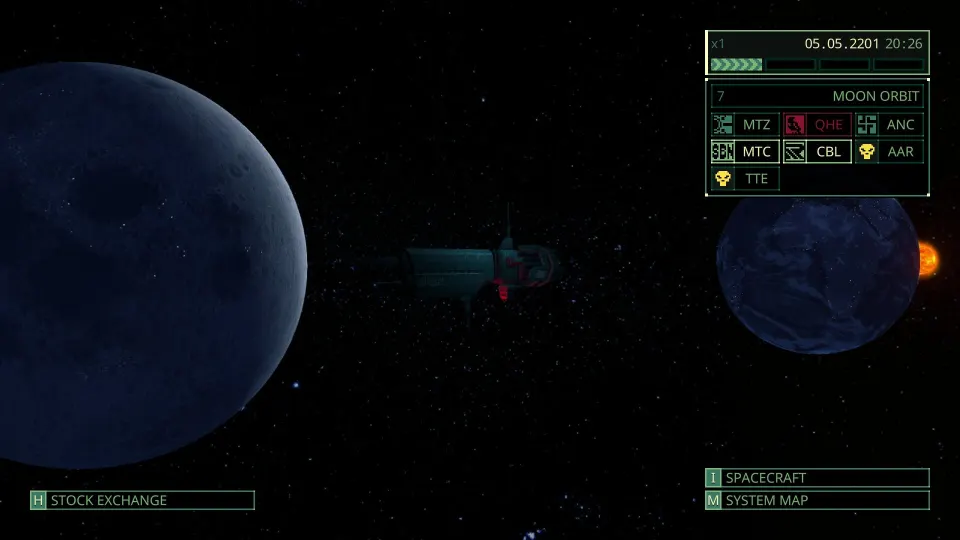
Identify the exact materials you need
Ship upgrades turn successful raids into lasting progress, but one missing component can leave a useful Magnum system locked. Upgrade materials come from mission loot, rewards, trade, and some dismantling results. Finding them becomes easier when you identify a specific requirement and choose missions around it.
Start in the Magnum upgrade panel. Check the item's full name, required quantity, and any prerequisite upgrades. Requirements and effects can change between versions, so use the panel in your installed game as the deciding reference when an older guide lists a different recipe.
Before deploying, make a short collection plan:
- Choose the upgrade that solves your most frequent problem.
- Record its missing components and amounts.
- Check whether another planned upgrade needs the same items.
- Leave enough inventory space to bring the important component home.
- Review your requirements before selling, dismantling, or using unfamiliar equipment.
Players also report a requirement indicator beneath an item's credit value, with a fraction such as 1/4. Look for this when inspecting loot, then compare it with the upgrade panel if its meaning is unclear. This can save you from trying to memorize every component. Community discussion
Materials used by Cloning upgrades
Cloning requirements illustrate why ordinary-looking items deserve inspection. Clothing, magazines, biological storage equipment, and research hardware all appear in upgrade requirements.
The following named requirements appear in the Quasimorph Wiki's Ship Upgrades table. Check current quantities and prerequisites in the game before committing resources.
| Upgrade | Listed materials | Upgrade purpose |
|---|---|---|
| Genome | Cloning Control System; Biowaste Tank | Enables modification of operative parameters using operative chips |
| Trainings | Management Unit; Gunbang Magazine; Guardsmen Clothing | Lets a living operative improve perks through passive training |
| Condensator | Management Unit; Guardsmen Clothing | Allows operative ranks to provide parameter bonuses |
| Data Replication | Chemical Processor; Medical Components; Biowaste Tank | Reduces Genome project time |
| Mutagenesis Analysis | Research Station; Research Dump Disk; Thermal Container | Reduces Genome project time |
| DNA Sequencing | Research Station; Hydraulic Pump; Thermal Container; Memory Records | Reduces Genome project time |
Several materials serve more than one upgrade. Management Units and Guardsmen Clothing appear in both Trainings and Condensator requirements. Research Stations and Thermal Containers appear in both Mutagenesis Analysis and DNA Sequencing. Finding one of these items creates a spending decision, especially when multiple branches are ready to unlock.
Biowaste Tanks also appear in both Genome and Data Replication requirements. If Genome is your immediate goal, keep its required components together before allocating resources to later improvements.
Where to search for upgrade materials
Loot is partly random, but containers and station themes help narrow the search. Community reports associate different item groups with particular furniture, enemies, and facilities. These are useful search priorities rather than guaranteed drops.
| Search target | Reported materials or item groups | Practical use |
|---|---|---|
| Server racks | AI cores, switchboards, Memory Records, and other electronic components | Search when pursuing navigation or data-related requirements |
| Bookshelves | Specialist rosters, ledgers, and Gunbang Magazines | Inspect for document and publication requirements |
| Industrial storage near fabricators | Conveyors, drills, and industrial parts | Check manufacturing, mining, and industrial missions |
| Medical boxes, cupboards, and cabinets | Medical items and supplies | Search medical manufacturers, drug stations, and suitable space stations |
| Industrial and military robots | Industrial crates or military crates, depending on robot type | Inspect relevant defeated robots for specialized cargo |
These associations come from player reports about ship materials. Faction technology and the station's purpose can influence what is available, so repeatedly searching an unsuitable location may produce little progress.
For industrial requirements, favor contracts at mining or manufacturing facilities. For scientific requirements, investigate research-oriented stations. Match the missing item's category to the location instead of assuming that any mission has an equal chance of providing it.
Inspect containers around sabotage objectives before leaving. Large storage furniture near fabricators is a reported source of industrial equipment, making the objective area especially relevant when your collection list contains machinery.
Dismantling can supplement your supply, but inspect the breakdown result before sacrificing equipment. It is a way to obtain particular outputs, not a guarantee that any missing ship component can be manufactured from spare guns.
Trade for parts that refuse to drop
Trading gives you another route when repeated missions fail to produce a component. Use the Stock Exchange goods view to investigate manufacturers and consumers, then check relevant stations. A station's economic information provides a lead; its actual trade inventory determines whether you can obtain the item.
An early-upgrade trading video guide identifies these destinations:
| Destination mentioned in the guide | Items to investigate |
|---|---|
| HRG | Management Units |
| AES | Research and cloning units |
| AKK | Switchboards and AI chips |
| RealWare ship in Mars orbit | Weapon Cases |
| Rogue City on Phobos | Weapon Cases and Armor Cases |
| Coreward locations on Phobos | Welding Machines |
Treat these as places to check in your campaign. Verify the station, ownership, and available goods before making a long journey solely for one purchase. Match the inventory item's exact name to your requirement rather than assuming that similarly named research or cloning equipment is interchangeable.
The same guide reports that reputation above 25 enables choosing specific purchases at faction stations. Check your current trade access before building a route around that threshold, particularly if you are following advice recorded for another version.
Contracts can therefore serve two purposes: earning access to a faction's goods and creating additional chances to loot the missing item. Working for a faction to obtain equipment does not require making it your permanent strategic partner.
Keep rare components and spend them carefully
The best material allocation depends on what repeatedly blocks your campaign. Reserve scarce parts for an upgrade you can use immediately, especially when several systems compete for the same supplies.
| Recurring problem | Upgrade direction | Why reserve materials for it? |
|---|---|---|
| Rare loot is lost before extraction | Hangar: Capsule | Allows selected items to leave the mission ahead of the operative |
| Carrying capacity limits recovery | Hangar: Shuttle | Improves the capacity available for mission cargo and evacuation |
| Searching floors consumes too many turns | Navigation: Scanner | Provides useful floor information |
| Nearby contracts offer poor opportunities | Navigation: Monitoring | Creates additional mission opportunities |
| Routine supplies dominate scavenging | Supply: Scavengers and Recycling | Supports recovery and reuse of everyday resources |
This approach follows the bottleneck-based ship upgrade guidance.
Capsule is particularly relevant when collecting rare requirements. If you find a component that has blocked progress for several missions, evacuating it can be more valuable than filling every remaining slot with ordinary equipment.
Monitoring can create another opportunity to search locally, but it does not guarantee the station type or component you want. Scanner helps you navigate more efficiently; it does not make a missing item appear.
Before starting repeated Engineering projects, consider the materials they will consume and whether those resources delay essential ship improvements. Building a sustainable supply of components makes experimentation easier than spending your last useful parts on several simultaneous goals.
FAQ
Where can I find quasimorph upgrade materials?
Search mission containers, objective areas, rewards, and station trades. Some requirements can also be obtained through dismantling. Begin with the exact item name, then use station themes, container types, and Stock Exchange information to narrow your search.
Do I have to trade for ship components?
No. Components can appear as mission loot, and players report finding different categories in themed containers. Trading is another acquisition route, particularly useful when you need one specific item and random drops have not supplied it.
Should I keep every unfamiliar item?
Check its upgrade relevance before deciding. Publications, clothing, and specialized cargo can all be requirements, but carrying everything consumes space. Prioritize confirmed needs and scarce components, then reassess duplicates against the upgrades you plan to unlock next.
Why have several missions produced no useful materials?
Randomness matters, and the locations you visit may favor other categories. Try changing the station type and containers you search. Industrial storage, server racks, bookshelves, and medical cabinets serve different collection goals; three unsuccessful missions do not establish that trading is mandatory.
Is Available Materials a complete component list?
No. Available Materials is the name of a specific Engineering upgrade in the Weaponry department. The wiki entry lists a project-cost reduction of two. For a particular ship upgrade's required items and quantities, inspect that upgrade in the Magnum panel.